Driver’s License Kiosk at RBS Library
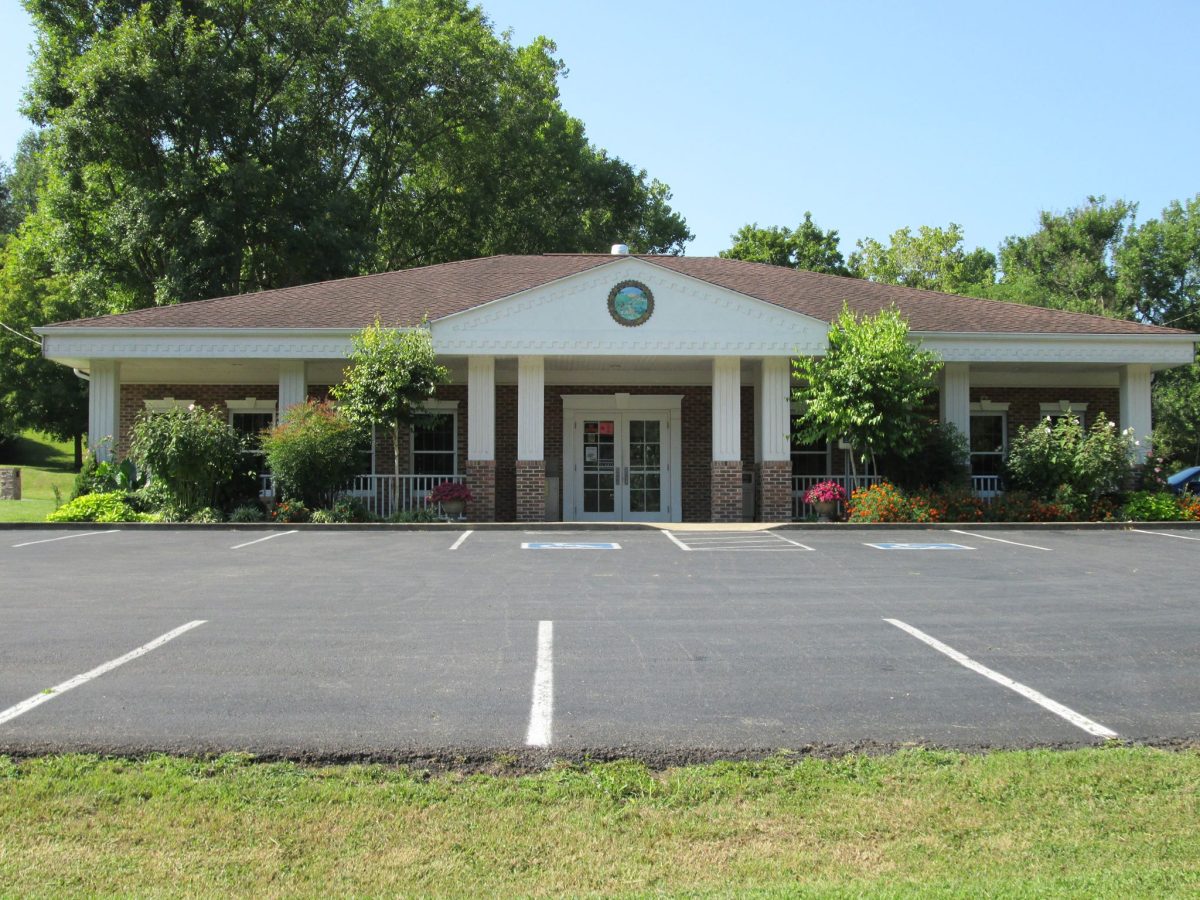
Red Boiling Springs, Tennessee Branch Public Library
A driver’s license self-service kiosk is now available at the Red Boiling Springs, Tennessee Branch Public Library during regular business hours.
RBS Branch Library is located at 335 E. Main Street, RBS, TN 37150
Kiosk Hours: Tuesday, Thursday, Friday: 12 p.m. – 6 p.m.; Wednesday: 9 a.m. – 3 p.m.; Saturday: 8 a.m. – 2 p.m.
The self-service kiosk will allow people to conduct regular business without having to visit the Driver Services Center. Some of these services include renewing a driver’s license or ID, ordering a duplicate driver’s license or ID, changing an address, and registering to vote, among other services.
The self-service kiosk was invented to improve time and cost efficiency and the birth of the vending machine dates as far back as the 1800s.
Self-Service Kiosk Information
Renew Driver License or Photo ID
In order to renew your Driver License, REAL ID or photo ID, you will need either your driver license number, photo ID number, or social security number. After logging in, select the renewal option and follow the prompts on the screen to renew your license or photo ID.
Duplicate (Replacement) License or Photo ID
To replace your license or photo ID, you will need either your driver license number, identification number, or social security number. If the expiration date is less than 1 year, then you have the option to renew. After logging in, you must select a duplicate transaction or the renewal option, if eligible.
Address Change
To process an address change on your license or photo ID, you will need either your driver license number, identification number, or social security number. If the expiration date is less than 1 year, then you have the option to renew. After logging in, you must select the duplicate transaction or the renewal (if eligible) option.
Advance to a GDL Intermediate Unrestricted License
To advance to a Graduated Driver License, you must be 17 years old and have held your Intermediate Restricted License for one (1) year without any violations. You will need either your driver license number, identification number, or social security number. If you are under age 18, select “Upgrade” to go from Intermediate Restricted (IR) to Intermediate Unrestricted (IU), if you have held your current credential for more than one (1) year without any violations. If you are over age 18, select “Graduate to Class D.”
Pay Reinstatement Fees
If you are on a Reinstatement Payment Plan, you must visit a Reinstatement Center. Any payments processed at the Self-Service Kiosk will not be applied to the Reinstatement Payment Plan.
To pay Reinstatement Fees on the Self-Service Kiosk you will need to enter either your driver license number, identification number, or social security number. When prompted, select “Pay Reinstatement Fee.”
After completing reinstatement requirements and paying all applicable fees, reissuance of a new license is required. Additional documentation may be required for reissuance. You must see a Driver License Examiner to complete your transaction.
Request a REAL ID
Some drivers may be eligible to exchange their current Driver License, Photo ID, or permit for a REAL ID. To check to see if you are eligible you will need your Driver License number, identification number, or social security number. If you are not eligible you must provide additional documentation at a Driver Services Center.
Note: Commercial Driver License (CDL), Temporary Licenses/Photo ID (X-Series) or, Non-Expiring Licenses (Permanent ID, Code 30) transactions cannot be processed on the self-service kiosks.